Beginner's Guides
OTAs
Instant Booking on Airbnb: What Is It and How to Use It Effectively?
Instant booking on Airbnb allows guests to make reservations with just one click. Should you turn on this feature for your listing?

Are you not sure whether you should turn on or off the Instant Book feature on Airbnb? In this article, you’ll find all the necessary information about Airbnb Instant Booking and its pros and cons.
You have created a listing with a catchy title on Airbnb, but are not sure whether you should turn on or off the Instant Book feature? It totally depends on you. Do you prefer to review all the booking requests? Or do you want to let guests book your vacation rental without your approval?
Instant booking on Airbnb is a useful feature for hosts and property managers. It requires less effort and eliminates the hassle of the booking process. Many hosts are already using it, and for a good reason.
In this article, you’ll find all the necessary information about Airbnb Instant Booking and its pros and cons. We’ll also provide you with tips on how to turn off instant booking on Airbnb.
You may also want to check out our tips for a simple hosting routine on Airbnb.
What Is Instant Booking on Airbnb?
Instant Book is a feature that Airbnb hosts can turn on for their listings. It allows travelers to book a property automatically without the host’s approval. Guests can enter their travel dates and proceed straight to discussing their check-in process with the host.
If you turn on Instant Book on your listing, it will apply to all the available dates on your calendar, and travelers will automatically be able to book your accommodation if they meet the requirements you have set.
Instant Book makes booking easier for guests, which can increase reservations for hosts and ultimately create a win-win situation for both parties.
Pros and Cons of Using Instant Booking on Airbnb
Should you use this option for your listings? To help you decide whether the Instant Booking feature is a good idea, let’s take a look at its advantages and disadvantages. Let’s start with the pros.
Convenience
Instant Book saves hosts time because they don’t have to respond manually to every reservation request from travelers. So enabling this feature will make your life easier.
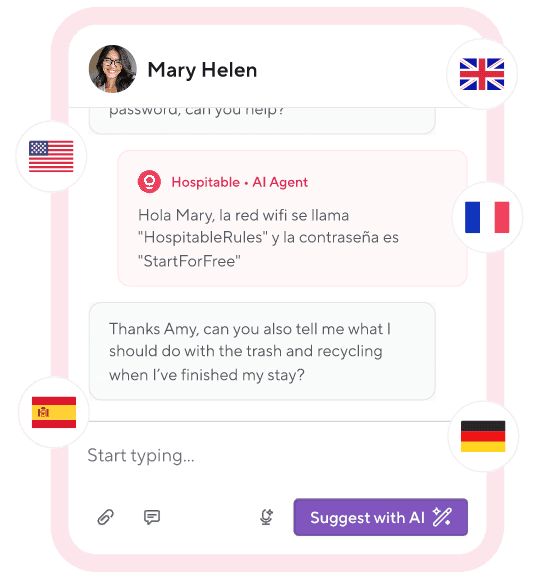
But you can also save time on guest communication if you use short-term rental software like Hospitable. Our tool can help you automate conversations with your guests and spend your time on other essential tasks.
More Bookings
Instant Book listings are more popular with guests because they allow them to plan their trip more seamlessly. Travelers may be more inclined to choose an Airbnb listing that won’t require them to wait for host approval.
It’s also a good way to capture last-minute bookings from travelers who want to confirm their stay right away.
Increase Your Exposure
Keep in mind that Airbnb has a filter on its search page that allows guests to filter for Instant Book listings.
Besides, according to Airbnb, Instant Book positively affects your response rate, which can improve your listing’s placement in search results. A less risky way to boost your response rate is to use Hospitable. Our Inbox AI can respond to your guests’ questions when you’re offline or all the time.
More Guest Reviews
To put it simply, more bookings mean more opportunities to get guest reviews. And getting more positive reviews from happy guests improves your reputation because it equals increased credibility and value.
The Downsides of Instant Book
The main problem with this Airbnb feature is that it removes a barrier between you and your guest, and you don’t get a chance to screen them. As a result, it reduces your control over who walks through the front door of your home or apartment.
Every guest who books on Airbnb must verify their ID with Airbnb, whether they use Instant Book or not. But many hosts prefer to look at profiles of potential guests and read their references and reviews before approving reservations. They do this to make sure the guest's personality and expectations match their rental space. Often hosts want to read a message from the guest to learn about the purpose of their travel.
Some hosts find that the Instant Book feature may lead to more cancellations. This may happen because guests don’t feel they have engaged with the host or made a firm commitment. After all, communication is key.
How to Handle Instant Booking on Airbnb?
Here are some tips to help you understand what you need to do when dealing with Instant Book guests.
It’s natural to feel uncomfortable with an unknown guest. But if you have doubts, reach out to them. For example, you can ask when they will arrive, whether they've checked the house rules, and whether they have any special requirements.
Same-day bookings aren’t easy to manage because you need to clean and prepare your property for guests, so you may want to avoid them. You can set a 1-day notice for all reservations or more if you feel like it’s necessary. Then Airbnb will automatically block the chosen days in your calendar.
Even with a short notice period, Airbnb won’t let a guest instantly book a stay that starts within two days if they want to arrive outside your check-in hours. You’ll get a booking request instead and can decide whether that arrival time works for you.
We also recommend you set a minimum stay. You can use the Airbnb filter to add a 2- or 3-night stay requirement. That will help you avoid guests who only want to stay for one night.
You should also set a maximum stay policy for your vacation rental. If you don’t do it, Airbnb will automatically apply a 31-night maximum stay to your listing.
A good idea is to set additional requirements to protect yourself. For example, you can choose only to accept guests who’ve already used Airbnb and got positive reviews from other hosts. You can also add a pre-reservation message with questions that guests need to answer when they book.
Finally, you can cancel an Instant Book reservation if it raises doubts or makes you uncomfortable. Airbnb lets Instant Book hosts cancel without penalties for certain valid reasons, for example, if the guest makes it clear they’ll break your house rules or has several unfavorable reviews. In most cases, you can cancel online, but sometimes you may need to contact Airbnb. Keep in mind that if you cancel a large number of Instant Book reservations, Airbnb may require you to turn Instant Book off.
How to Turn off Instant Booking on Airbnb
Instant Book may not work for every host. Airbnb allows you to turn off Instant Book at any time in your Booking Settings.
If you want to do it on desktop, follow these steps:
Go to Listings and click the listing you want to change.
Under Listing editor, click Booking settings.
Switch Instant Book off.
Click Save.
Instead of turning off Instant Book, Airbnb encourages hosts to explore other useful options and choose those that fit your listing. For example, if you notice that you don’t have enough time between reservations for cleaning your property, you can edit calendar settings to block days between bookings automatically.
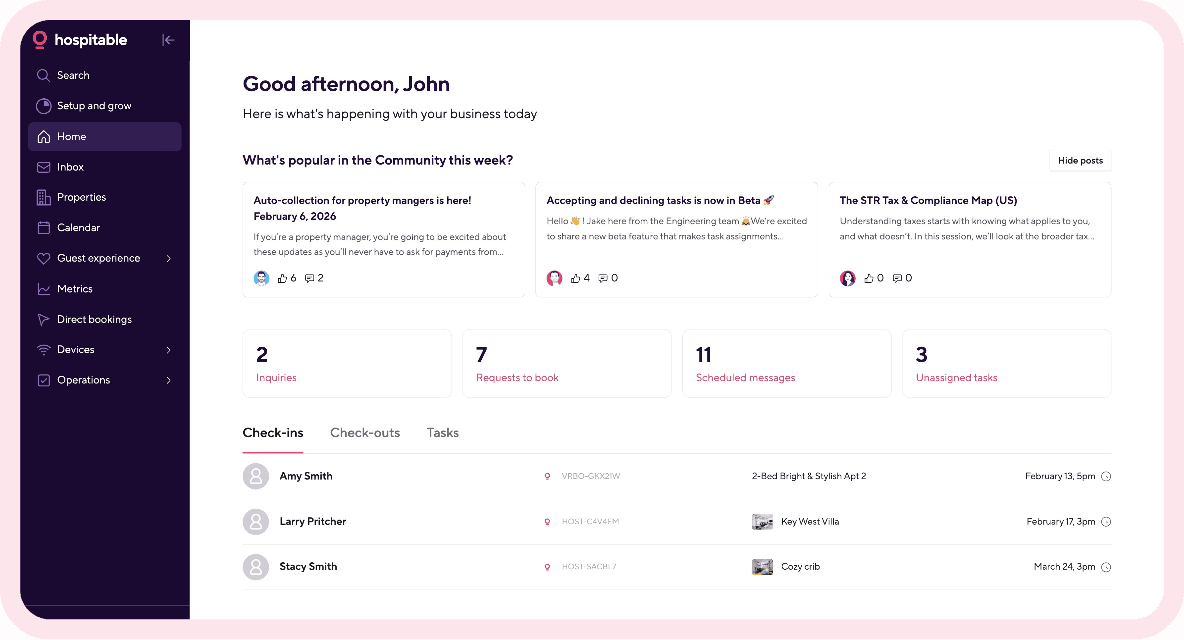
If you manage multiple accounts, short-term rental software like Hospitable makes it easier to adjust settings, update calendars, and track reservations.
Instant Booking on Airbnb works well for both guests and hosts and saves them a lot of time. Many guests prefer instant booking and use an additional search filter, so you’ll get more bookings, a fuller calendar, and more reviews.
Give this feature a try and see whether it has a positive effect on your vacation rental business. Later, you can decide whether or not you should continue to use it.


