Team collaboration without the group chat chaos
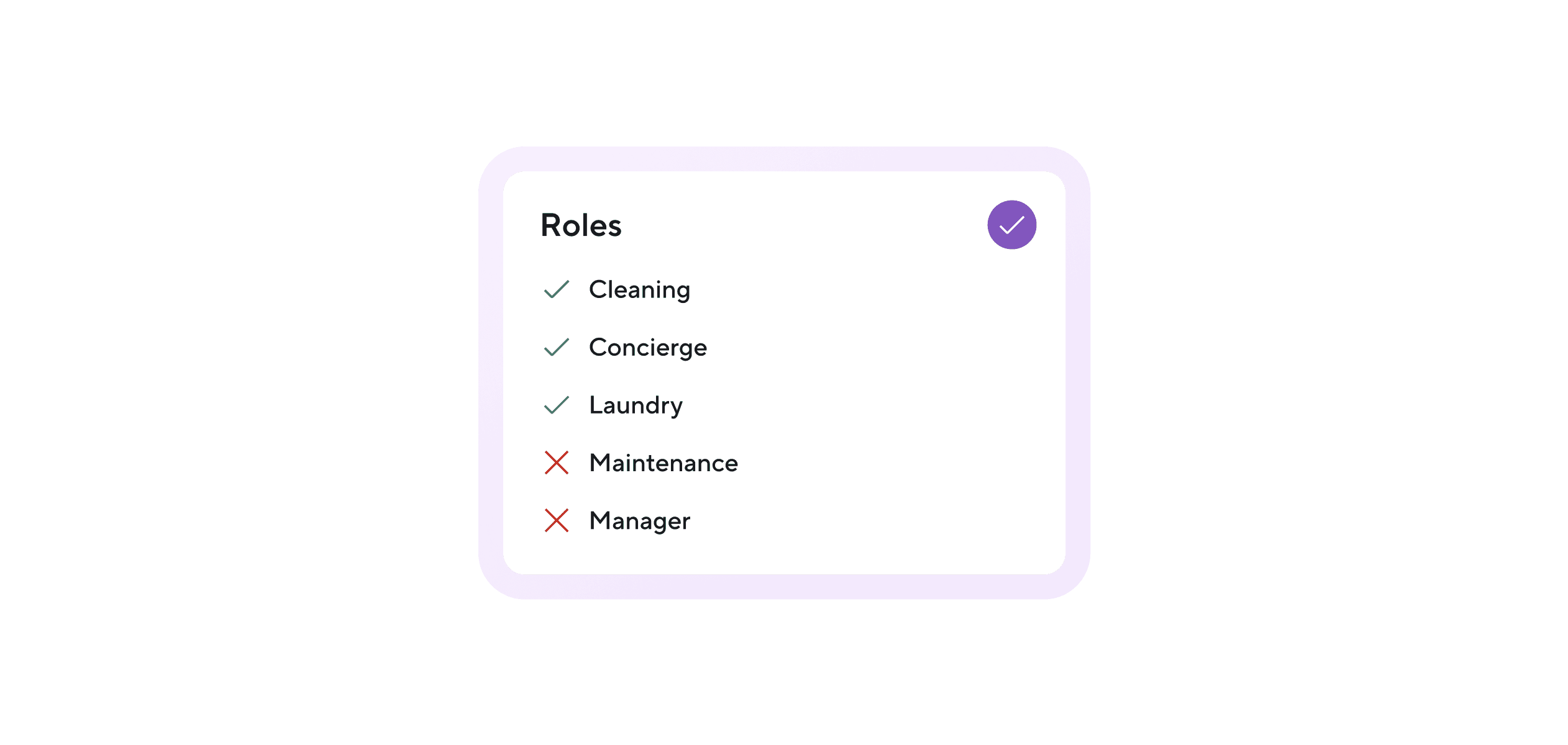
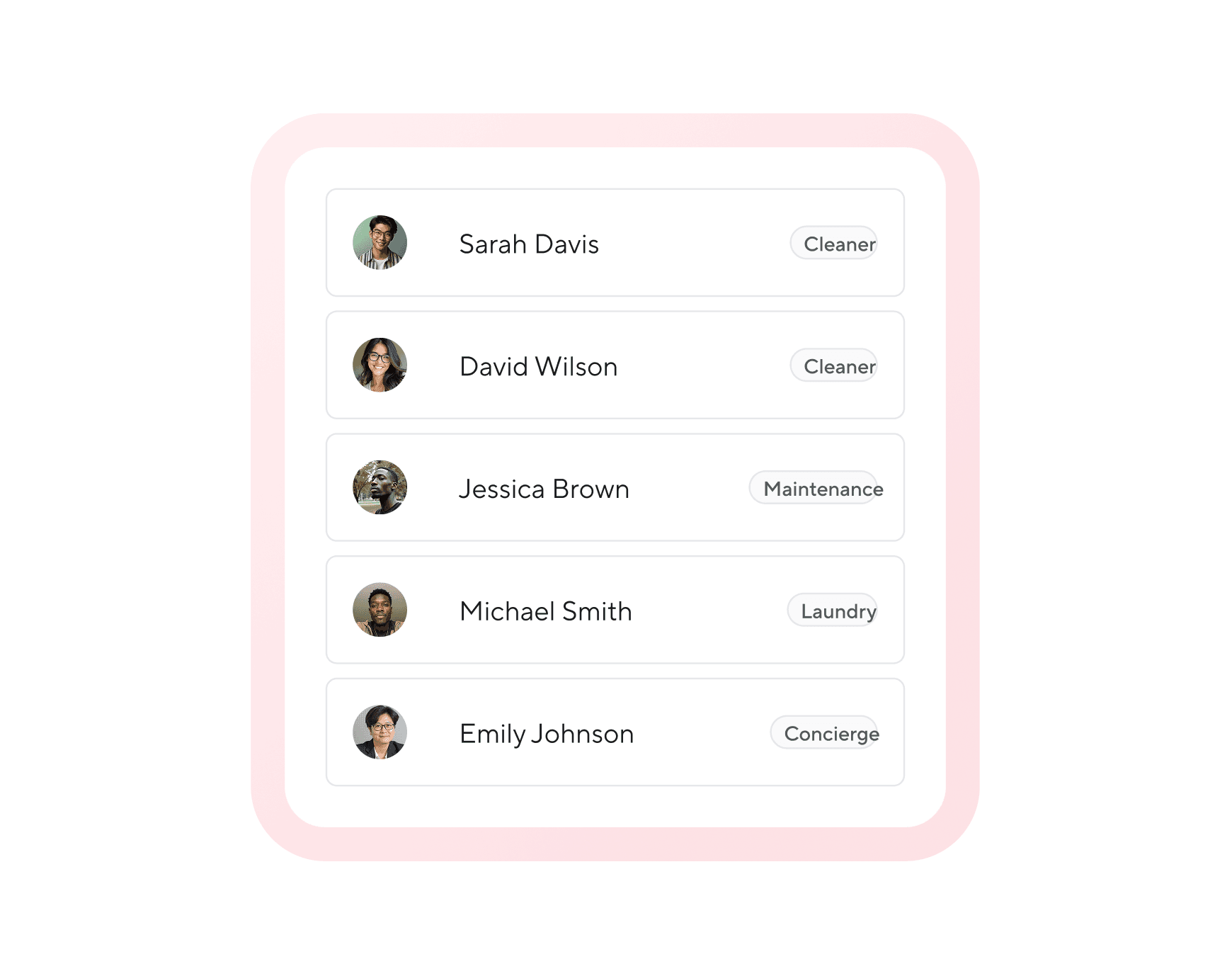
With Hospitable, your team stays in sync without constant messages. Assign roles, automate tasks, and give everyone the right information to deliver a great stay.
Custom access
Access selected features
Access selected properties
Optional access to financial data
Can not view subscription details
Can not invite new users
Full access
Access all features
Access all properties
Can view financial data
Can not view subscription details.
Can not invite new users



Automate the handoff

Task management
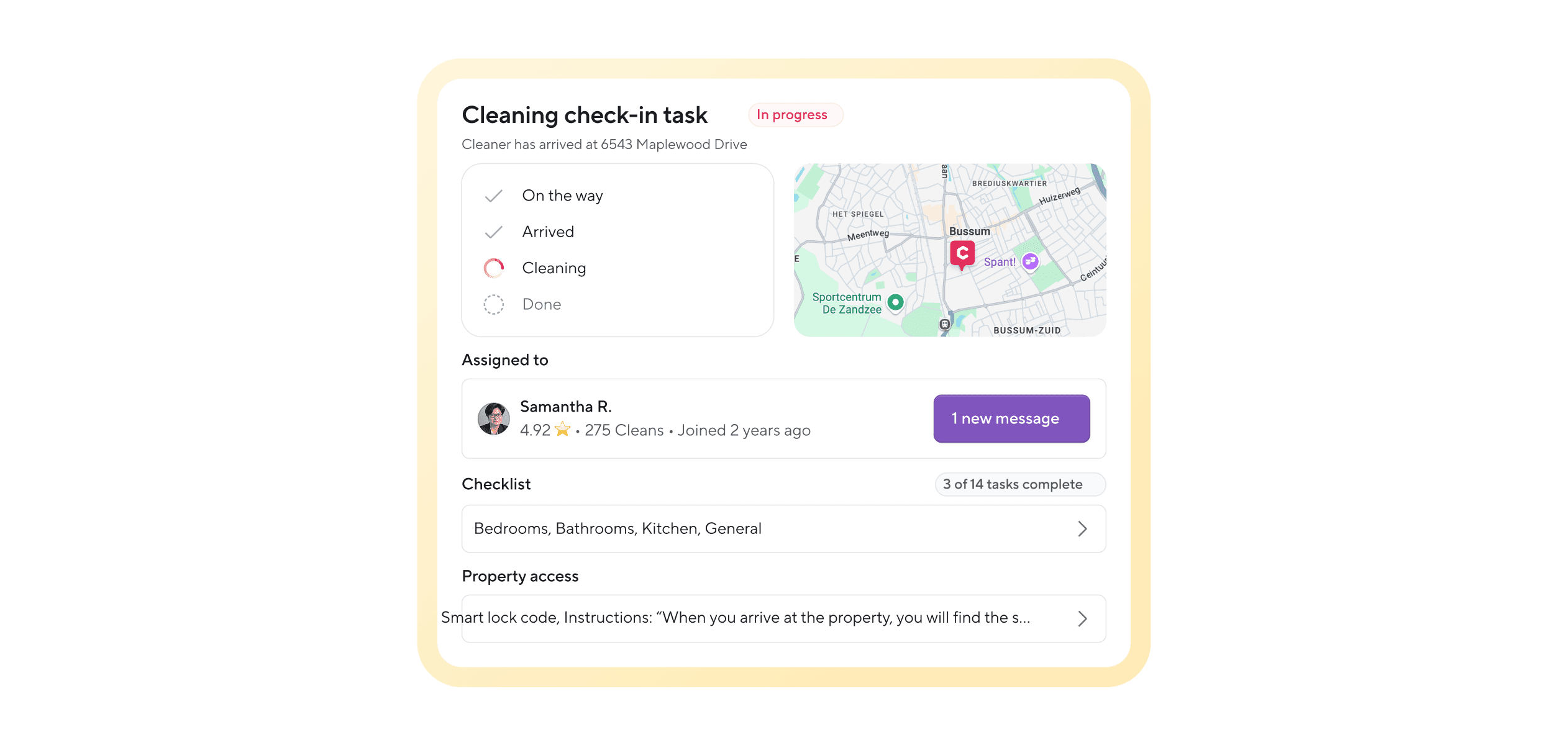
Create tasks for events like check-ins, check-outs, or new bookings. Tasks are assigned instantly with all the details included.

Custom notifications
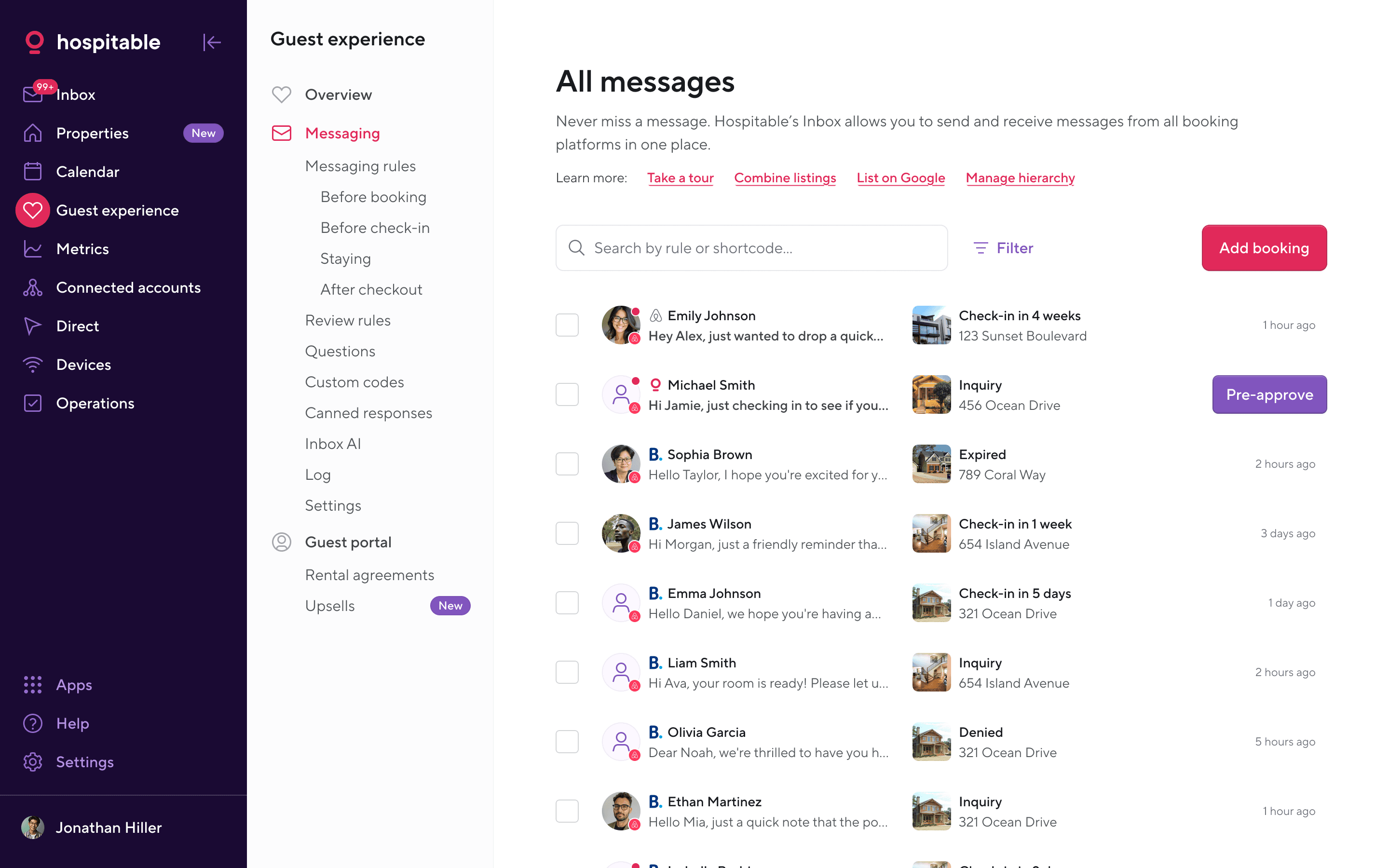
Send team messages with the details that matter. Use variables like guest name, arrival time, and property address.

Smart lock access codes
Automatically create and assign door codes for cleaners or contractors. Set when codes start and expire.

Built-in Inventory Management
No set up required. Teammates report on inventory through voice notes when at the property. Hospitable translates them into inventory reports.
Common questions
What is team collaboration in Hospitable?
Team collaboration features allow hosts to add teammates such as cleaners, co-hosts, concierges, or maintenance staff and manage their roles within the platform.
Can I control what team members can access?
Yes. Hospitable lets you assign roles and control access to specific properties, features, or financial data so each teammate only sees what they need.
How does Hospitable help teams stay organized?
Hospitable automatically assigns tasks based on booking events like check-ins and check-outs, ensuring everyone knows what needs to be done.
Can team members access multiple properties?
Depending on their assigned role, team members can be given access to selected properties or the entire portfolio.
Why is team collaboration important for short-term rental management?
Clear roles and task automation help teams avoid miscommunication, streamline operations, and ensure guests receive a consistent experience.