Add offline bookings and blocks in seconds.
Manual Reservations. No Gaps. No Guesswork.
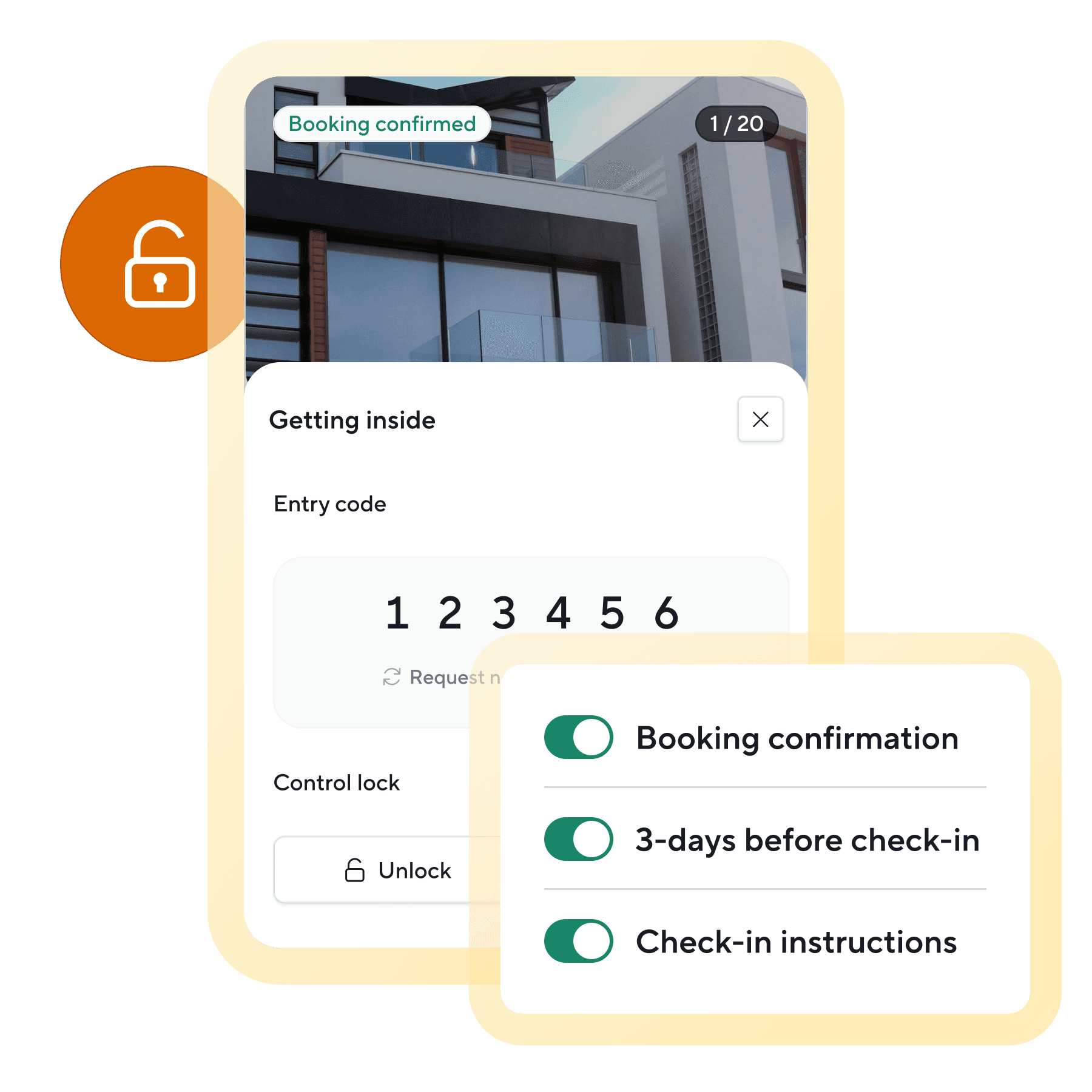
Add any booking in seconds, whether it comes by phone or text. Calendar sync, messaging, tasks, and access all update automatically just like any other reservation.
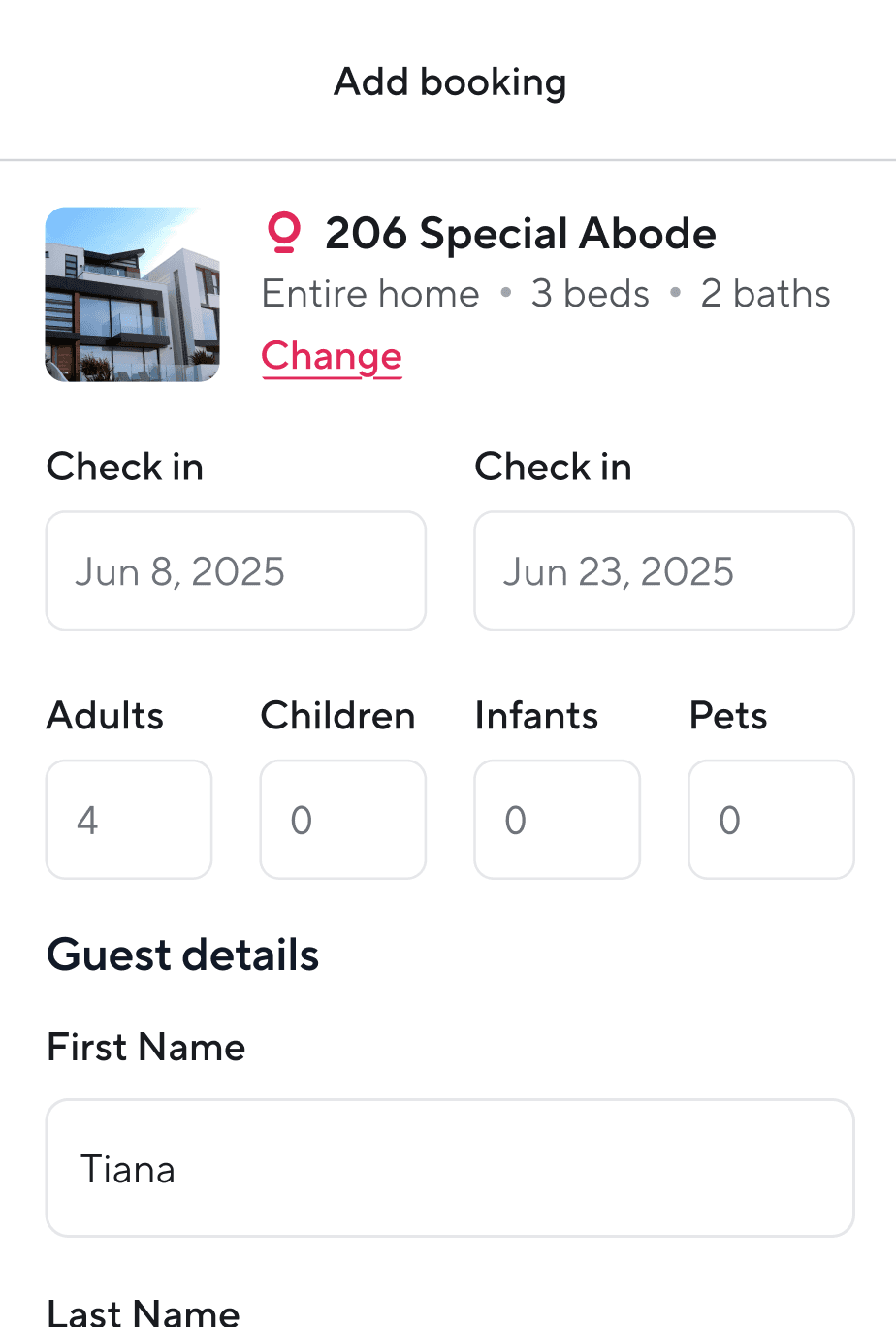




Manage every stay, even if it’s not a “stay”
Owner visits, deep cleans, or repair work, manual reservations handle it all.

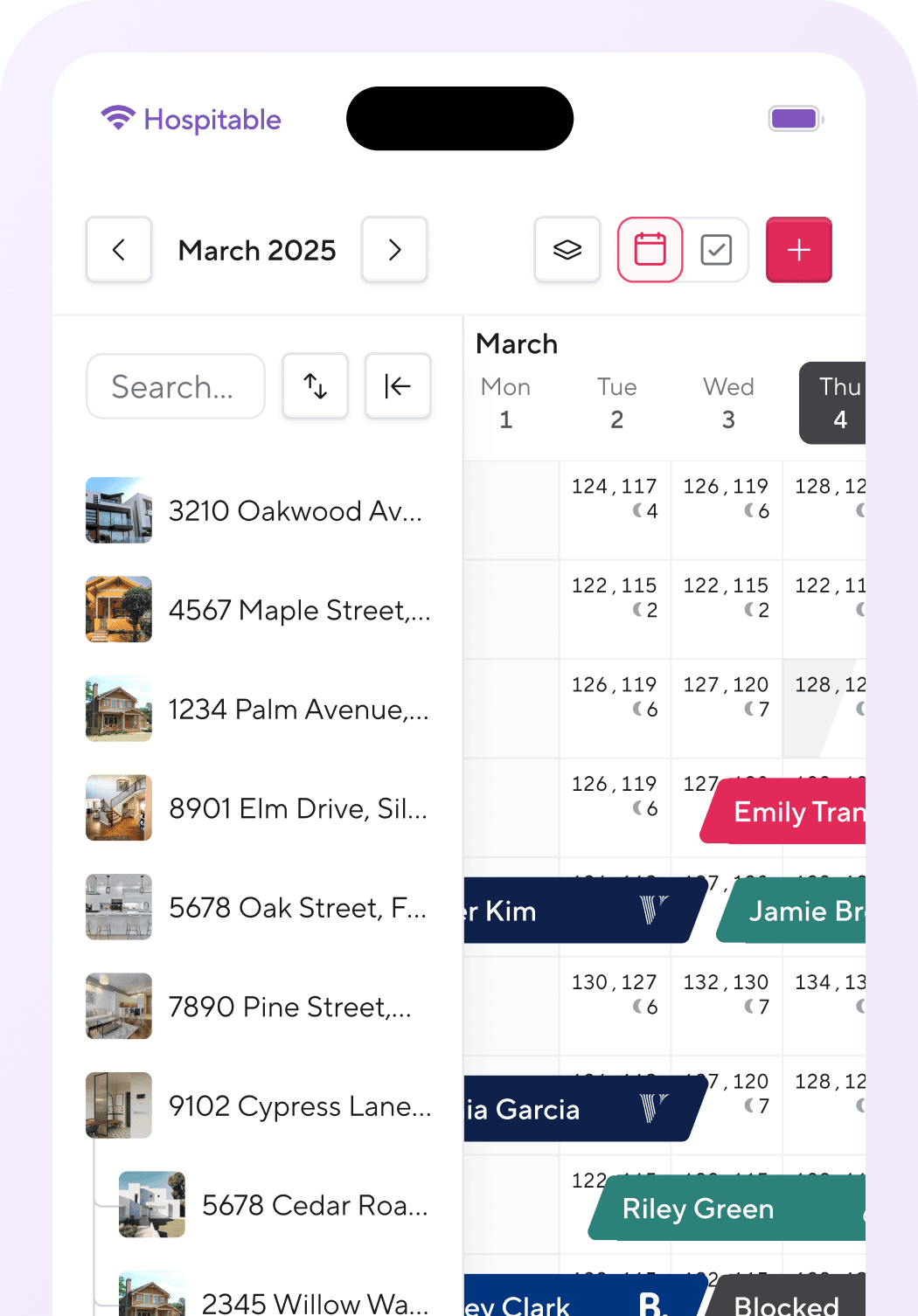
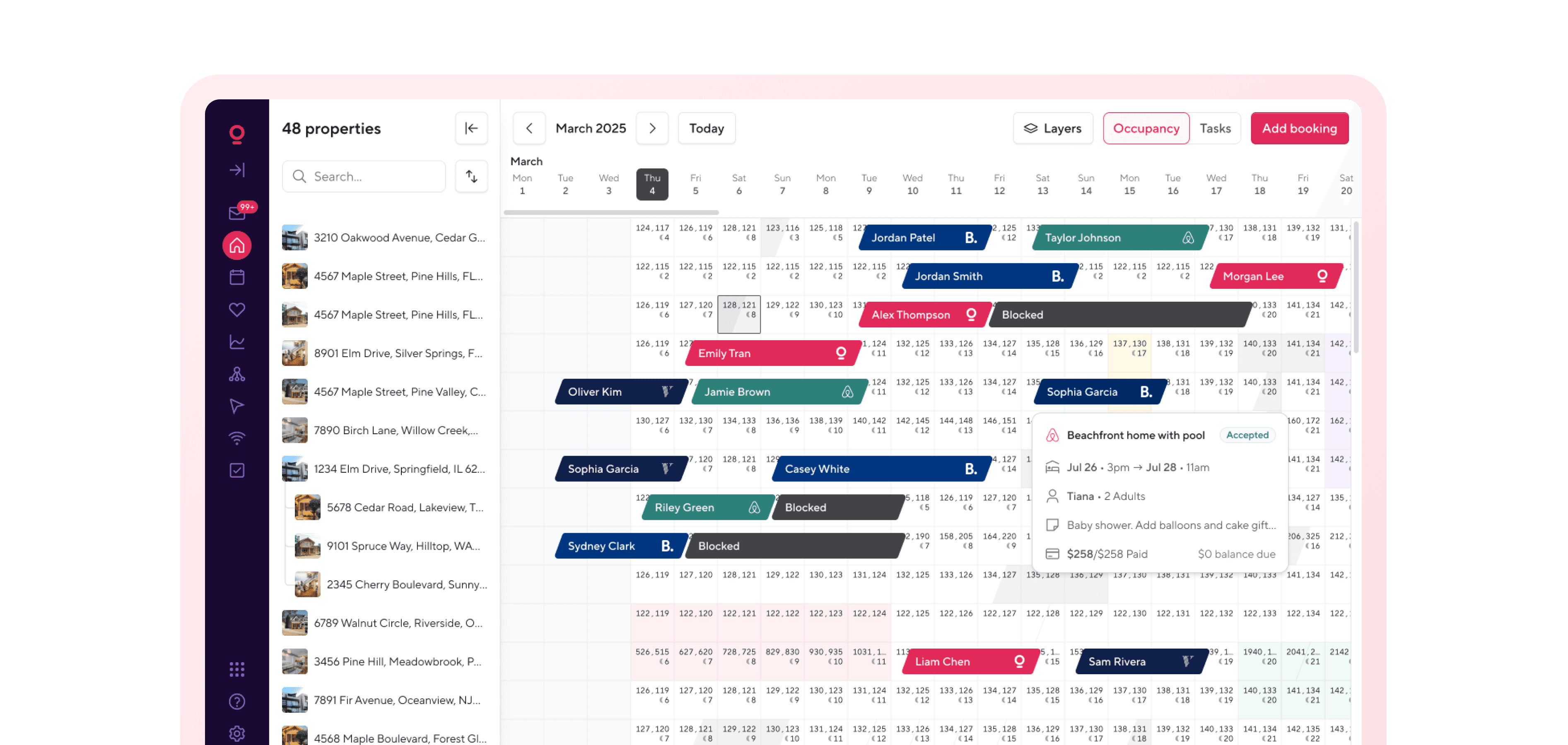
Full visibility in your dashboard
View source, dates, rate, and notes for every manual booking.

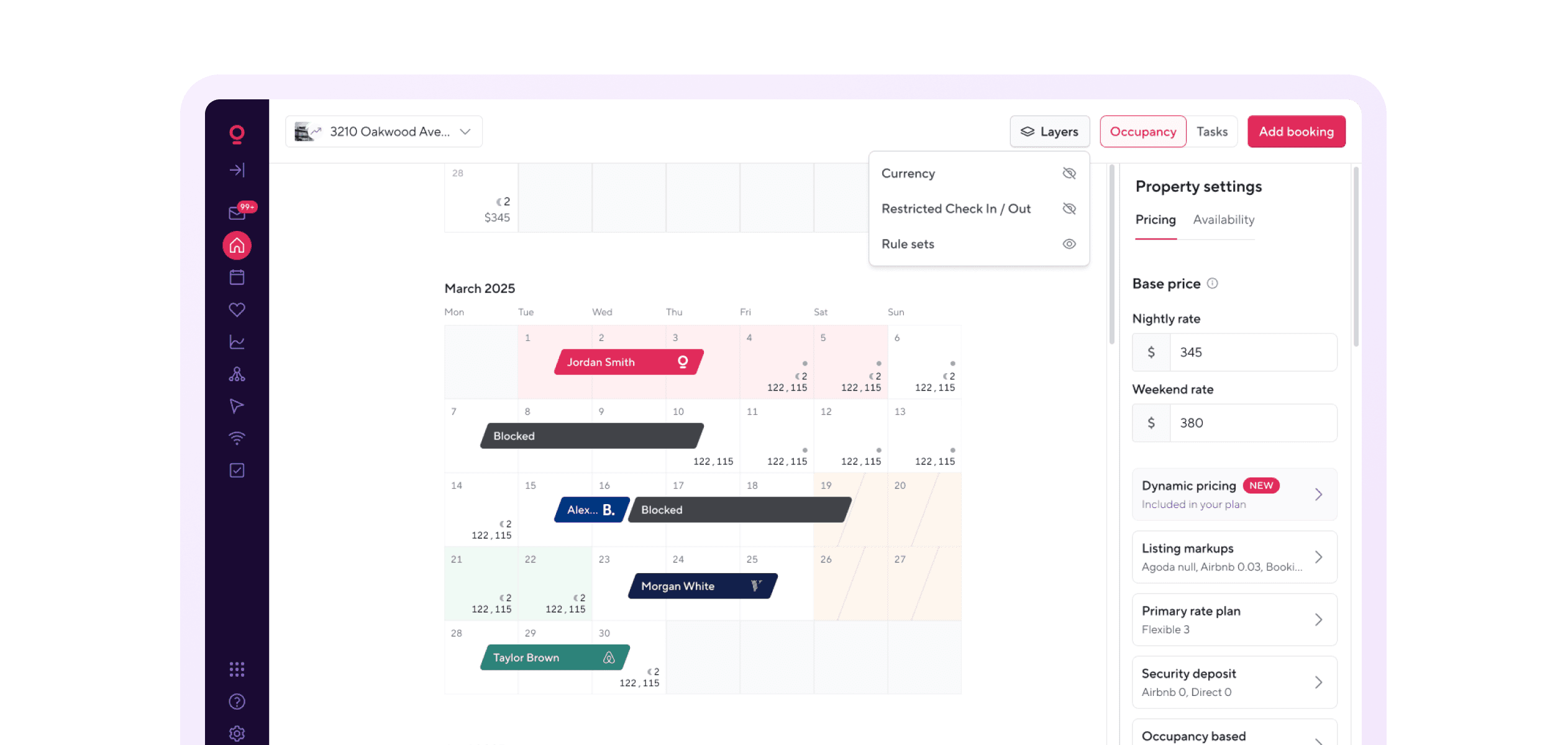
iCal support for extra platforms
Manually block availability on sites we don’t yet support with synced iCal links.
Stay booked. Stay calm.
Offline bookings shouldn’t throw off your flow.
Works with Direct Booking Sites
Combine manual reservations with direct bookings through your Hospitable site, with no extra tools required.
Common questions
What are manual reservations in Hospitable?
Manual reservations allow hosts to add bookings that come from phone calls, repeat guests, or offline sources directly into the Hospitable calendar.
Why should I add manual bookings to Hospitable?
Adding manual bookings keeps your calendar accurate and ensures availability is synced across all booking channels.
Do manual reservations trigger automation?
Yes. Once a manual reservation is added, automated messaging, tasks, and calendar updates can run just like with OTA bookings.
Can manual reservations prevent double bookings?
Yes. Once added to the calendar, manual reservations block dates across connected channels to prevent overlapping bookings.
Can I edit or cancel manual reservations later?
Yes. Hosts can update or remove any future manual reservations from the calendar view. A current stay with a manual reservation would need to be edited to future dates first in order to cancel it.
Who typically uses manual reservations?
Manual reservations are commonly used by hosts who take repeat guest bookings, phone reservations, or bookings from external marketing campaigns.