Trusted by
26,000+
hosts
Booking.com channel manager for vacation rentals
Manage your Booking.com listings, reservations, rates, availability and guest communication from one simple place.


Spend less time inside Booking.com
Manage more of your Booking.com operation from Hospitable, so routine work doesn’t mean constantly moving in and out of the Extranet.
Reservations
New Booking.com bookings land in Hospitable with guest details attached, and trigger your cleaning and maintenance tasks without you forwarding anything.
Rates and availability
Set nightly rates, stay restrictions and fees in Hospitable, or let dynamic pricing adjust them for you, and push everything straight to Booking.com.
Guest messages
Reply from one inbox, where AI drafts answers in your own tone and scheduled messages fire at every stage of the stay automatically.
Listing management
Edit descriptions, photos and property details once in Hospitable, then publish the changes straight to your Booking.com listing.
Reviews
Respond to Booking.com reviews with AI-drafted replies, so guest feedback never sits waiting for a free afternoon.
Your Booking.com calendar, always accurate
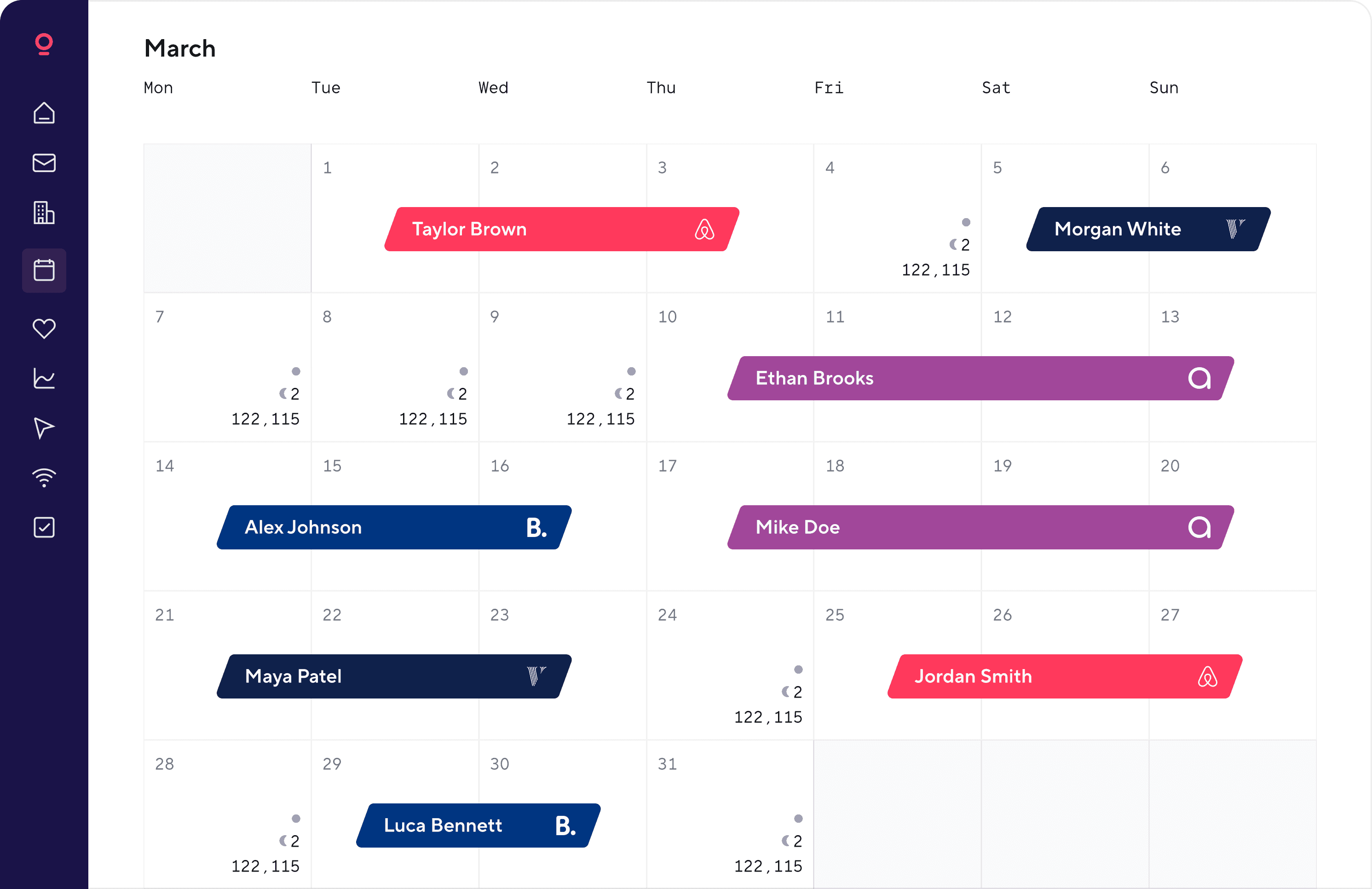
Bookings from Airbnb, Vrbo or your own site block those dates on Booking.com automatically, so your Booking.com calendar is never out of sync.



Love the fact that we have only 1 calendar for Airbnb, booking.com and Vrbo. Data flow is bidirectional so we never have to go to individual sites.
All messaging is done through hospitable app no matter where the booking came from. AI usage in the messaging is amazing. It significantly improved our response time to our guests.

How it works
Connecting Booking.com to Hospitable takes about ten minutes: connect your property through Booking.com's extranet, import your listings, match them to properties, turn on sync.
Connect in the extranet
Authorise Hospitable from your Booking.com account. The connection uses Booking.com's official API.

Import your listings
Listings, rates and upcoming reservations come across automatically. Nothing on Booking.com changes yet.

Match listings to properties
Confirm which listings are the same space. Merged listings share one calendar.

Turn on sync
Hospitable becomes the source of truth. Change something once, it applies everywhere.

Go beyond just Booking.com
Make more out of each property by listing in more places, without multiplying the work behind every reservation.
Advantages of connecting Booking.com through the API instead of iCal
Hospitable connects directly to Booking.com's official connectivity API, so you can manage much more than blocked and available dates.
Sync direction
Update speed
Availability
Reservations
Nightly rates
Length-of-stay rules
Listing content
Guest messages
Reviews
Both ways
Real-time
One way
Scheduled refresh
Common questions
What is a Booking.com channel manager?
A Booking.com channel manager is software that connects a Booking.com account to the other booking sites a property is listed on, keeping rates, availability and reservations identical across all of them.
More complete tools like Hospitable also bring guest messaging, automation, listing management and reviews into the same workflow, so the whole operation runs from one place rather than from the extranet.
Do I need a channel manager for Booking.com?
Not always. If you run one property on Booking.com alone and you're happy working in the extranet, you probably don't need one yet.
A channel manager earns its place once you manage several listings, repeat the same messages every week, coordinate a cleaning team, or list the same property on more than one booking site.
Is Hospitable an official Booking.com channel manager?
Yes. Hospitable is a Booking.com Premier Connectivity Partner and connects through Booking.com's official connectivity API.
That certified connection carries far more than calendar availability: guest messages, listing content, nightly rates, stay restrictions and reviews all move through it.
Is there a free Booking.com channel manager?
Yes. Hospitable’s Essentials plan costs nothing and includes real channel management, with calendar sync, unlimited properties, a unified inbox, and automated messaging.
Paid plans unlock more advanced automation, pricing, team, and operational features, plus enhanced support. You can try them free for 14 days with no credit card required.
How do I prevent double bookings across Booking.com and other channels?
Keep one system as the source of truth for availability. Hospitable syncs reservations between connected listings, so a booking on one channel blocks those dates on the others without you blocking anything by hand.
No channel manager can make a double booking impossible, but automated syncing cuts the risk substantially compared with managing calendars manually.
Can I handle Booking.com guest messages from Hospitable?
Yes. Booking.com conversations arrive in the Hospitable inbox, where AI can draft replies in your own tone before you send them. Scheduled messages fire automatically at each stage of a stay — booking confirmation, pre-arrival, check-in instructions, check-out.
What's the difference between iCal sync and a Booking.com channel manager?
An iCal connection moves calendar availability and nothing else, in one direction, on a refresh schedule. Hospitable connects through Booking.com's official connectivity API, which carries reservations, messages, nightly rates, listing content, stay restrictions and reviews, and updates in both directions within seconds.
Does using a channel manager change my Booking.com commission?
No. Booking.com charges its standard commission on each reservation regardless of whether you manage the property through a channel manager, and connecting Hospitable doesn't add a fee of its own.
Your commission rate is set in your Booking.com account, as are any optional programmes that change it.
4.8/5
across 550+ reviews
Join 26,000+ hosts automating their Booking.com workflows
Manage Booking.com listings, reservations, pricing, availability and guest messages from one place. Try Hospitable free for 14 days or use our free plan.