Property Management
Checkout List for Vacation Rentals: Tips and Best Practices
Figure out which tasks to include and how to communicate them to your guests.

Most vacation rental hosts do their best to make a great first impression with a personalized welcome letter and a smooth check-in process. But many hosts overlook providing clear checkout instructions so guests don’t have to guess what is expected of them.
A clear, friendly checkout list removes all the guesswork. It helps ensure guests leave on a positive note while making turnover faster and easier for you. In this blog, you’ll find tips on how to create an effective vacation rental checkout list that sets clear expectations, reduces stress, and helps keep your property in top shape.
Keep the Checkout List Short and Reasonable
Avoid overwhelming your guests with an endless list of things to do. Aim for no more than 5 to 8 simple checkout tasks that help you prepare your STR property for the next guest. The whole list should take guests no longer than 5 minutes to complete.
Don’t ask your guests to do a cleaner’s job. Guests pay a cleaning fee and expect an easy checkout without any cleaning tasks. However, it’s acceptable to ask guests to do simple, reasonable tasks to help your cleaning team, such as gathering used bed linens and towels or taking out the trash.
Send Checkout Reminders in Advance
Set up an automated message to remind your guests of the checkout tasks closer to the end of their stay, for example, on the evening of their departure, so they are prepared. Thank your guests for staying, remind them of the checkout time, and provide simple instructions.
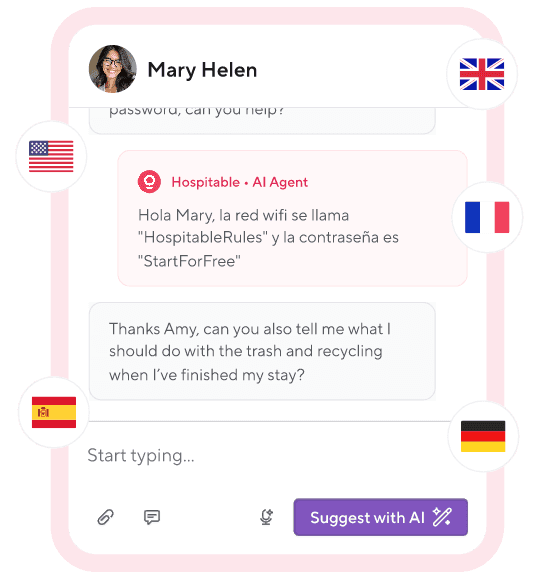
You can easily set automatic checkout reminders with Hospitable. Our STR lets you set message rules and keep communication clear at every stage of a guest's stay. You can let the AI handle routine guest questions, use AI tools to draft and correct detailed, personalized replies to guest messages, and even opt for a fully automated AI Inbox.
What to Include in Your Checkout List
Ask for essential things that help ensure a smooth turnover, protect your property, or can’t wait for the cleaner:
State the checkout time clearly to avoid ambiguity. If late checkout is possible, confirm it. For example, “Checkout is at 10:00 a.m. If you need a little extra time, please message us in advance.”
Cleaning expectations. Request small tasks that won’t take too much of your guests’ time, like putting dirty dishes in the dishwasher, throwing away the trash, moving all furniture to where it was at the beginning of their stay.
Laundry and towels. Let guests know where they should leave dirty towels. If you’d like guests to strip the beds, keep the task simple: “Please place used bed linens in a pile at the foot of the bed”
Appliances and lights. Ask your guests to switch off all kitchen appliances (coffee machine, kettle, microwave, etc.) and turn off the lights to save energy.
Final check for forgotten items. Remind your guests to check for personal belongings, such as chargers, passports, or clothing items that are often left behind.
Locking up. Remind guests to close all windows and lock the door when they leave.
Departure confirmation. Some hosts appreciate a short message when guests leave. “Let me know when you're out.”
How to leave keys. Include clear instructions for returning physical keys. If you use smart locks for your property security, your guests won’t need to worry about keys at all. Tell them to make sure they lock the door behind them as they leave.
Hospitable integrates with many popular smart lock systems and can help you automate messaging door codes to your guests. If you connect the supported smart locks to Hospitable, our system will automatically create and send unique door codes to guests who booked your rental shortly before check-in. Access codes are automatically activated at check-in and expire after checkout.
Unlike most PMS, Hospitable includes smart lock management into the subscription cost at the Professional and Mogul tiers.
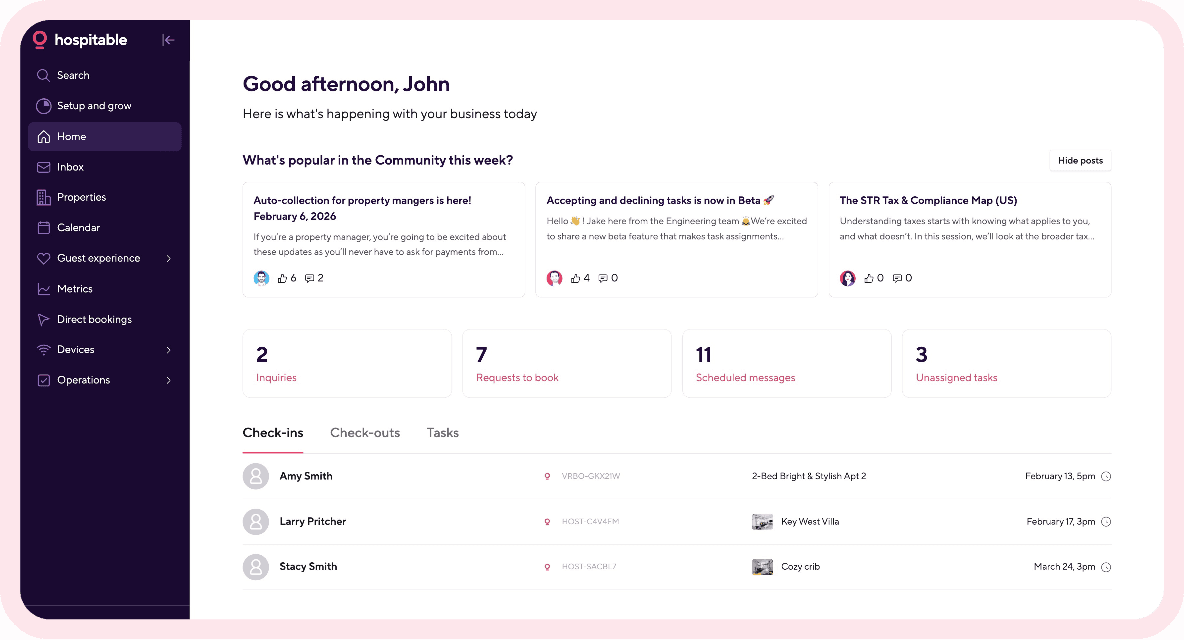
Hospitable is an all-in-one PMS that offers a wealth of advanced features and AI-powered tools that can help you automate property management tasks and run your STR business on autopilot.
You can also include additional requests that are specific to your vacation rental, such as covering the grill after use. But you should avoid asking your guests to:
Vacuum, mop, or deep clean
Start laundry cycles
Remake beds
Do anything that takes more than a few minutes total.
Best Practices for Writing an Effective Checkout List
Consider these tips to make your check-out list both efficient and guest-friendly:
Keep your checkout list skimmable. Use bullet points and keep each step one sentence long.
Use a friendly tone to show your guests appreciation. Remember that “please” works better than “you must.”
Add a thank-you note. Ending your checkout list with gratitude makes it memorable and kind. You can also mention that you hope to see them again soon. Something like: “Thank you so much for staying! We'd love to host you again."
Send your guests checkout instructions at multiple times to avoid them going unnoticed. Include the checkout time in your listing, and share more details in your welcome message and digital guidebook to keep guests informed at the start of their stay.
Provide clear instructions in your vacation rental. Leave a printed checkout list in a convenient location. For example, you can include a printed and laminated copy of the instructions in your welcome book that stays on the house’s premises or pin a single-page printed checkout list to the fridge.
Final Thought
A clear, simple checkout is your chance to leave your guests with a final positive impression of their stay. So, when creating a checkout list for your vacation rental, ask your guests to do simple, reasonable tasks. When guests leave on a positive note, they’re more likely to return, recommend your property to friends and family, and leave five-star reviews every host loves.



Table of contents
Common questions
What should be included in a vacation rental checkout list?
A vacation rental checkout list should include the checkout time, simple cleaning expectations, where to leave used towels or linens, reminders to turn off appliances and lights, a final check for personal belongings, instructions for locking up, key return details if applicable, and any request to confirm departure. Keep the tasks limited to things that help protect the property or make turnover easier.
How many tasks should be on a vacation rental checkout list?
Aim for about 5 to 8 simple checkout tasks. The entire list should take guests no more than about 5 minutes to complete, so it feels reasonable rather than like unpaid cleaning work.
Should guests strip the beds before checkout?
You can ask guests to strip the beds, but keep the request simple. For example, you can ask them to place used bed linens in a pile at the foot of the bed. Avoid asking guests to start laundry cycles or remake beds.
Should guests take out the trash before checkout?
Yes, asking guests to take out the trash is a reasonable checkout task because it helps the cleaning team and only takes a few minutes. It should be part of a short, simple checkout list rather than a larger set of cleaning duties.