Messaging and Templates
OTAs
Vrbo Checkout Instructions: What to Include?
You should provide your guests with clear Vrbo checkout instructions so that when it's time for them to depart, they know exactly what they need to do before they leave. You will learn what to include in your checkout instructions to help guests understand what is expected from them.

As a Vrbo host, you understand that it’s essential to make a great first impression on your guests when they arrive at your rental property. But it’s also vital to ensure a smooth checkout process.
You should provide your guests with clear Vrbo checkout instructions so that when it’s time to depart, they know exactly what to do. Keep reading to learn what to include in your checkout instructions to help guests understand what is expected from them.
If you are listing your property on multiple OTA websites, you may want to read our article to learn how to set Airbnb checkout instructions.
Vrbo Checkout Instructions: Help Your Guests Navigate the Process
Setting detailed checkout instructions will eliminate confusion and ensure your property is secured after travelers leave. It can also help leave a memorable impression and round off your guests’ stay on a positive note.
Providing travelers with checkout instructions can also ensure your cleaning team needs less time to prepare your house or apartment for the next guests. That means optimizing your turnover process while reducing your cleaning costs.
But remember, it’s crucial to focus on the basics and avoid overwhelming guests with too many tasks to finish before they walk out the door. After all, your guests are already paying a cleaning fee, so they shouldn’t feel like they have an endless list of errands to do on the last day of their vacation.
There are several suitable occasions to share checkout instructions with your guests. You should include it in a welcome message with house rules upon their arrival, so they are aware of your instructions early. You should also send them separately, as a reminder, about 24 hours before their departure.
Sending checkout information to each guest can be time-consuming, but you’ll never forget to do it if you use short-term rental software like Hospitable. Our STR super app can solve this problem without delay with AI-powered automated messaging, saving you tons of time.
You can create message templates that cover the key touchpoints of the guest journey and set up messaging rules, and our system will provide your guests with important information at the right time.
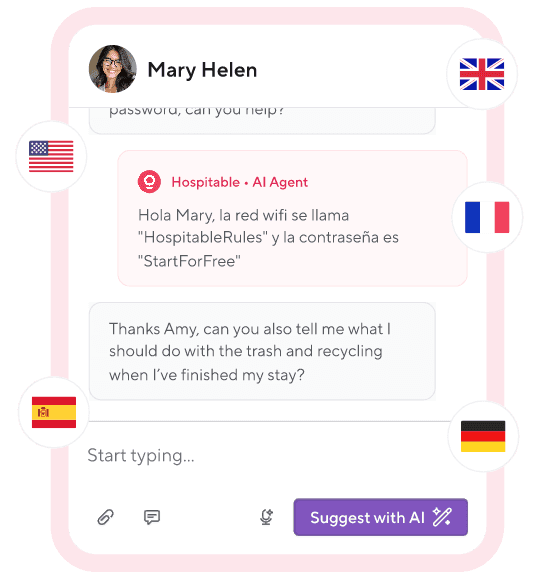
You can also use AI tools available in your Inbox to respond quickly to guest messages and provide clear answers to tricky questions.
Use Improve with AI to correct what you’ve written and improve clarity and tone.
Use Suggest with AI to generate detailed, personalized responses to guest messages based on the booking and property details and past replies.
Upload your guidebooks to the Knowledge Hub to teach the AI about your property and help it craft more relevant responses.
Enable Auto Reply and set the times when the AI can automatically reply to guest messages.
So what should you include in departure instructions? First, you should clearly specify the checkout time. You should also include your contact information on the list so your guests can reach you if they have any questions.
Here is a list of simple cleaning tasks you may request your guests to perform after their stay:
Stripping each bed of dirty linens and sheets;
Placing the dirty dishes in the dishwasher;
Placing all garbage into outside containers;
Moving all furniture to its original setting.
There are also necessary tasks guests should be reminded to perform before they exit the property to avoid power waste and ensure your home is secure after they leave. You should request that travelers
Check closets and drawers for personal items;
Switch off all the kitchen appliances and other devices;
Switch off the A/C and thermostat;
Turn off all lights and ceiling fans;
Check that all windows are closed;
Close and lock all doors;
Leave keys in the lockbox (if you use physical keys).
Remember to include a thank-you note to show your guests that you appreciate their choosing to stay at your property. Mention that you hope to see them again soon. Adding this thoughtful touch can go a long way toward 5-star guest review and even repeat bookings.
Vrbo Checkout Time
It’s essential to manage guests’ expectations about when they must leave your rental property so you have enough time to clean and prepare for the next arrival. It’s up to you to choose the checkout time that works best for you and specify it in the house rules section of your listing.
You should include your Vrbo check-out time in the welcome letter or welcome guide, and it’s a good idea to reiterate it in the guest check-out instructions as well.
Vrbo Late Checkout Fee
Early check-ins and late checkouts for Vrbo guests are probably the most common issues hosts struggle with. It can create significant problems if your vacation rental property is booked back-to-back.
So what can you do if you’re sick and tired of your guests taking their time to leave your vacation rental property? You can make it a rule to pay for additional time—charge an extra Vrbo late checkout fee.
You can either charge your guest per hour, for example, $40 per hour, or even charge them for a full day. These additional costs could ward off a late checkout, and even if it does occur, at least you’ll make some money from it.
Just inform your guests in advance that you can’t keep checkout time flexible. You should also explain why you charge the late checkout fee, so travelers can be respectful of it.
Implementing Vrbo Checkout Instructions
Include the most important details of the checkout instructions in your Vrbo listing under House rules. Communicate your checkout time and choose from the list of instructions or add your own custom tasks.
Provide more comprehensive checkout instructions in your Vrbo welcome guide under Property. The welcome guide information is emailed to your Vrbo guests three days before check-in.
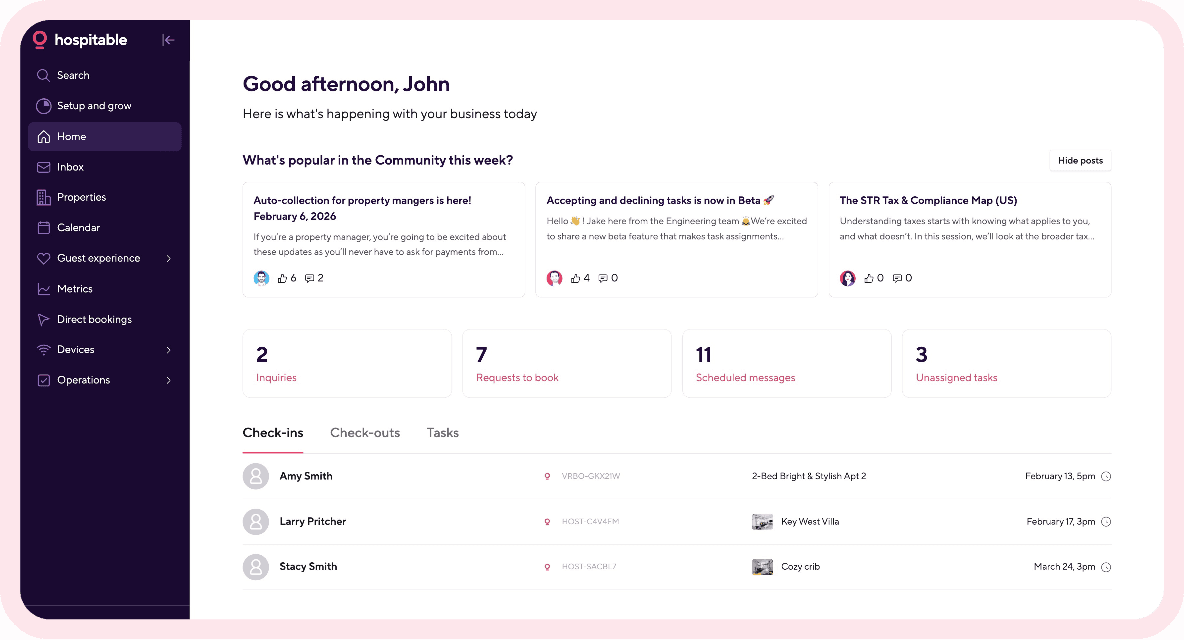
Log in to your Hospitable account, go to the Guest Experience section, and set scheduled messaging rules to send an automated message to your guests 24 hours before departure to remind them of the checkout instructions.
You may also leave a printed copy of the checkout instructions on the fridge, on the kitchen counter, or near the front door.
Final Word
When your guests check out, it’s perfectly OK to leave a short list of instructions for them to follow. Simple yet clear Vrbo checkout instructions will help your guests navigate the process and serve as a friendly reminder to stick to your house rules. Sending them at the right time gives you one more chance to provide a pleasant experience for your guests, keep them coming back, and get great reviews that bring more bookings.
And remember that using automation tools like Hospitable, you can master this step with minimal effort. Moreover, with Hospitable, you can automate all your routine tasks to streamline your operations and focus on growing your short-term rental business.